

Before skins, before tattoos, before cosmetics of any kind, you need a shape.
Shapes Are the Blueprint
A shape controls everything about your avatar’s proportions. Height. Shoulder width. Leg length. Head size. Facial structure. Every slider that defines how your avatar exists in space lives in the shape. Without one, nothing else makes sense.
Shapes and Why Defaults Fall Apart
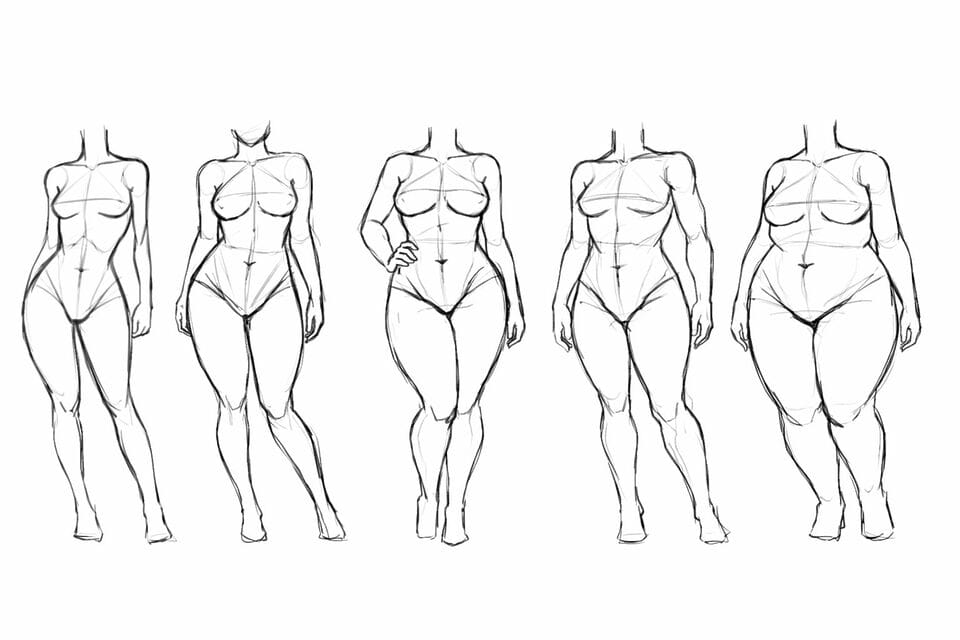
Every mesh body and every mesh head comes with its own default shape. Think of it as a starting blueprint. It’s built to match how that specific body or head was designed and rigged. If you swap a head and keep an old shape, things usually go sideways. Eyes sit too high or too low. Mouths stretch. Necks don’t line up. The result isn’t subtle. It just looks wrong.
Shapes Are Not Interchangeable
The same applies to bodies. Shapes are not interchangeable, even when bodies look similar on the surface. A shape made for one body will almost never work properly on another. Even within the same brand, different variants need different shapes. What works on one version won’t magically translate to the next.
Here’s a practical example. Let’s say you create a shape for a Legacy body with a Genus head. Everything lines up. Proportions make sense. You’re happy with the result. Now you switch to a Catwa head and keep the same shape. Suddenly the face looks off. Eyes, mouth, and jaw sit differently because Catwa and Genus heads are built and rigged differently. To fix that, you need a new shape specifically for Legacy and Catwa.
The body hasn’t changed, but the head has, and that alone is enough to require a separate shape.
Shapes Multiply Fast, Organisation Matters
This is also why organising your inventory matters more than people realise. Shapes pile up quickly once you start switching heads or bodies, and unnamed or poorly labelled shapes become impossible to manage. A shape called “New Shape” tells you nothing six weeks later.
Clear folder structures and proper naming save time and frustration. Label shapes by body and head combination so you know exactly what they’re for.
You can also create outfits for each body and head combination. Outfits don’t just save clothing. They remember your shape, body, head, alphas, and attachments. That means you can switch between combinations cleanly without breaking everything each time.
This is why many people end up with multiple shapes in their inventory. One per head and body combination. It’s normal, it’s expected, and it’s part of how Second Life works.
Editing Shapes Is Where Identity Starts
Once you have the correct base shape, that’s where the real work begins.
You can edit your shape yourself, and most people eventually do. This is how avatars stop looking like shop vendors and start looking like individuals. Shaping takes time. Sometimes hours. Sometimes days. Sometimes weeks. It’s normal to tweak one slider, cam around, tweak another, save a copy, come back later, and change your mind again.
A good habit is to save versions. Small changes add up, and having a few backups makes experimentation less stressful.

Buying Shapes as a Starting Point
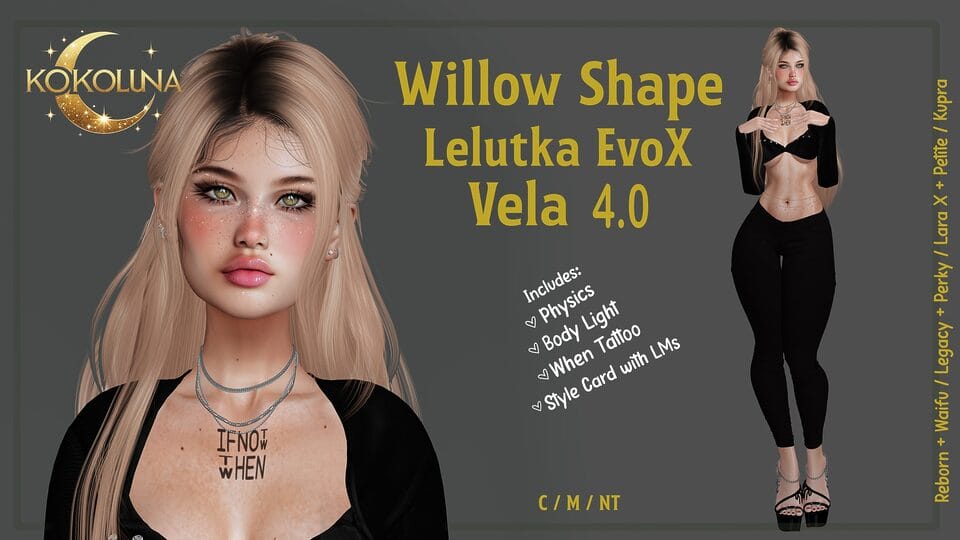
If building from scratch feels intimidating, you don’t have to. You can buy shapes too. Most shape creators include a style card, which is essentially a list of everything used in the vendor photo. If you want the exact look, you follow the list. If you don’t, you still get a solid base that you can modify until it feels right.
More than anything else, your shape is what makes your avatar yours. Clothes come and go. Skins change. Hair gets replaced. Your shape is the foundation everything else is built on. Take your time with it. It’s worth it.